Saturday, January 23, 2010

I love trees!

Hi!
A bit lazy lately!
Time to start up again.
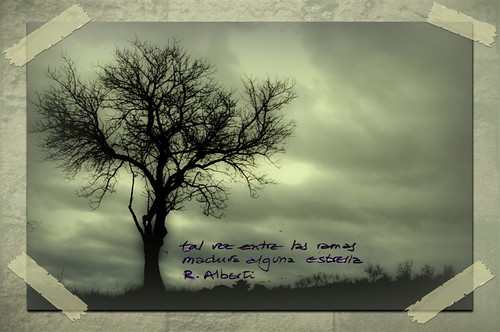
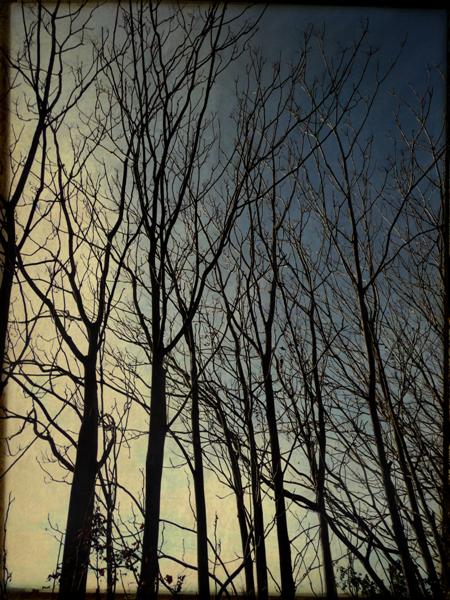
These days I tend to photograph trees, winter trees, naked of leaves, enduring the cold winter.
And the flow in my mind asks for textures. And here is the result:
...you shone like the sun

be tree, just tree


perhaps ...

Hope you like them.
Have a nice week, everybody!

Thursday, December 31, 2009

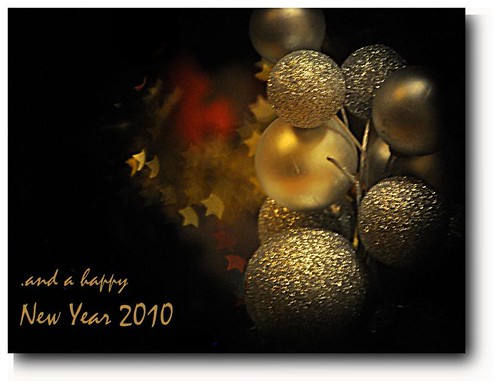
Happy New Year

I wish you all the best
And thank you all for your visits, comments and support.

Wednesday, December 23, 2009

Saturday, December 12, 2009

cats and kittens, more on pets.

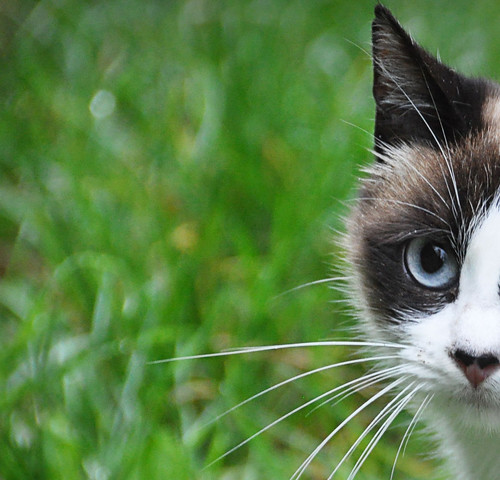
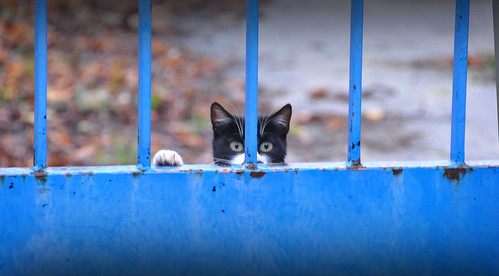
My last find: These twenty cats and kittens, more or less.
They are not exactly stray cats, but their situation is not very good; their owner, who loved each and all of them, had a stroke and now is not able to come and feed them. His family come every now and then, so we are the closest people to feed them.
And they are so pleased to be fed, that they pose, at first quite distrustful and suspicious. But then they saw my camera was not dangerous or so.
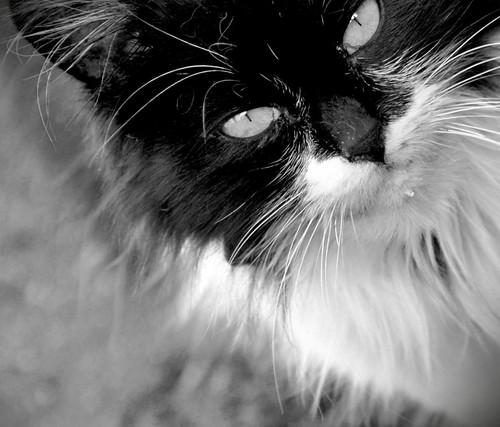
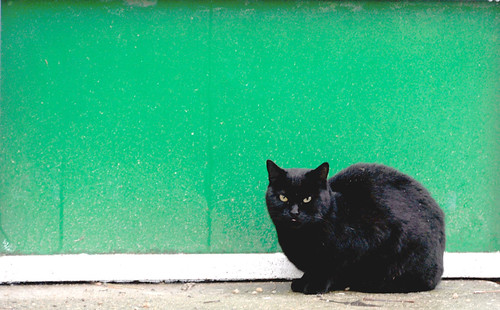
Here is the result, here are some of them. They are so beautiful!
will you take me home?
I'm only a cat
look me in the eyes
I don't rely on you... although you look friendly.

Saturday, November 14, 2009

Delicate. Gradients.

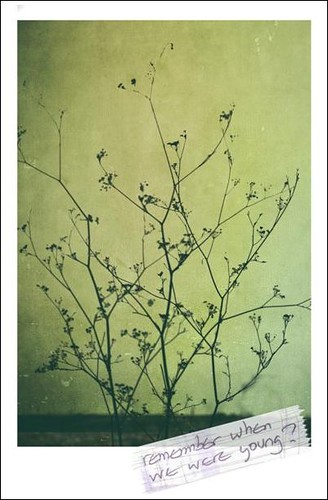
This is the result of using a gradients layer on a picture.
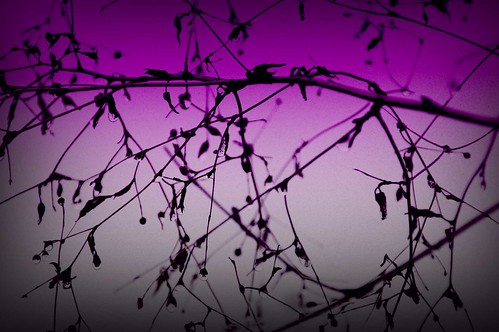
delicate

Here is the process:
I took this picture on a rainy day. I liked the drops and the lines of the cold plant.
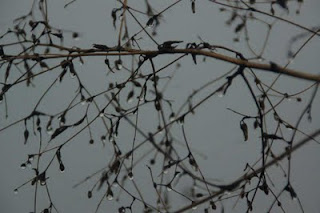
First, open the picture in Photoshop. Then the first step is to change the background color. To do that, go to Image > Adjustments > replace color.
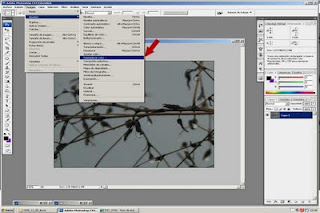
Once there, you'll find the menu for replacement. Select the background with the eye-dropper, then alter the lightness to the maximum.
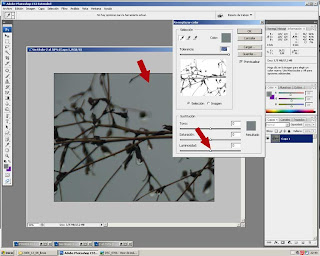
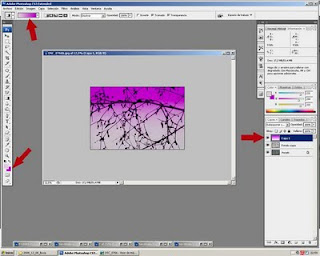
Now it's time to add a new layer. Select the color to use in your gradient. I chose light pink and violet. Then select the kind of gradient you want. In this case it was lineal. Situate the mouse at the bottom of the picture, then move upwards, left button clicked. Experiment with different results, until you get the most convincing.
Then, time for the blending mode. I usually choose overlay or screen. The idea is tomake the layer kind of transparent.
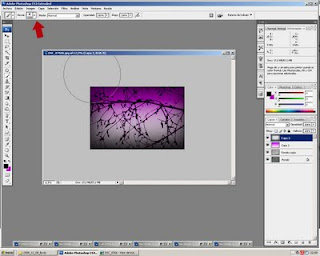
And finally, I added a slight vignette, using a superthick brush, painting very close to the border on a new layer.

The process is quite easy. However, should you have any questions, don't hesitate to contact me.
Hope you liked it.
Thursday, October 29, 2009

autumn fruit, textured.

Autumn is here, trees are so beautiful, but I have not had time yet to enjoy my time photographing trees and leaves.
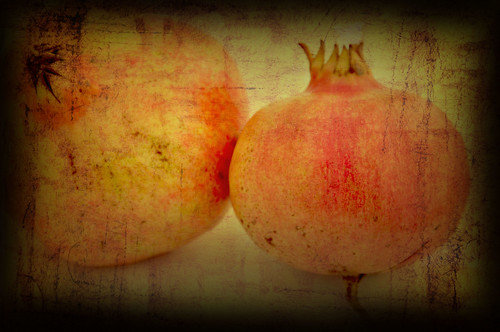
So, at home, I found this treasure: Beautiful pomegranates.
hearts inside

The base is the following

combined with this texture
texture #6
I applied the texture twice, first as it is, then I turned it vertically to create a slight criss cross of lines. For both textures, the blending mode was multiply.
I hope you like the result. Feel free to use this or other textures at my flickr album of textures.

Sunday, October 18, 2009

From my window. Sky.

The wiew from my windows is not spectacular at all, but the sky, oh the sky...
The colors in the early morning are just awesome.
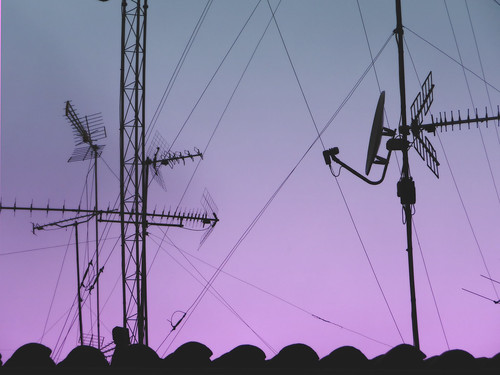
The lines of the houses in front seen as silhouettes look more interesting than in daylight.
d90, love story.

This sky was not processed.


is there anybody out there?

Here I added a gradient layer, purple to pink and then chose blending mode till I liked the result.


love red sky

The clouds made the picture.
I have a passion for skies. Lines, colors, clouds, silhouettes, flares ...
Look up and shoot.